Powerful DSP design software for building seamless Q-SYS systems
Build scalable Q-SYS systems with intuitive, clutter-free software designed for seamless integration.
Powerful DSP design software for building seamless Q-SYS systems
Build scalable Q-SYS systems with intuitive, clutter-free software designed for seamless integration.
Q-SYS Designer Software is the most powerful yet simple advanced DSP design software on the market today. This software enables the user to create designs for native Q-SYS Platform system and also supports the integration of the greater Q-SYS Ecosystem. The system design environment was created specifically to be intuitive and easy to use. It is laid out without clutter or complicated multi-level menus. As a result, the software allows system integrators to focus their energy on building the audio system, rather than laboring over a complex software learning curve.
• One Software for all System Sizes: Q-SYS Designer Software is a single application for use with every Q-SYS Core category for projects of any size.
• Emulation Mode: Build the majority of your system without hardware.
• Third-party peripheral support: Q-SYS allows for control of external devices through available LUA scripting.
• User Control Interfaces: Design custom buttons, import graphics, add UCI PIN protection as an addition layer of protection and build user controls for touchscreen controllers.
Note: Before upgrading, be sure to create backup copies of your Q-SYS design files for the current version and older versions. Also, make backup files for all media you have on the Core. To avoid overwriting your backup copies, be sure you do not open the backup copies with the newly installed version of Q-SYS Designer Software.
Updated Features v10.5.1
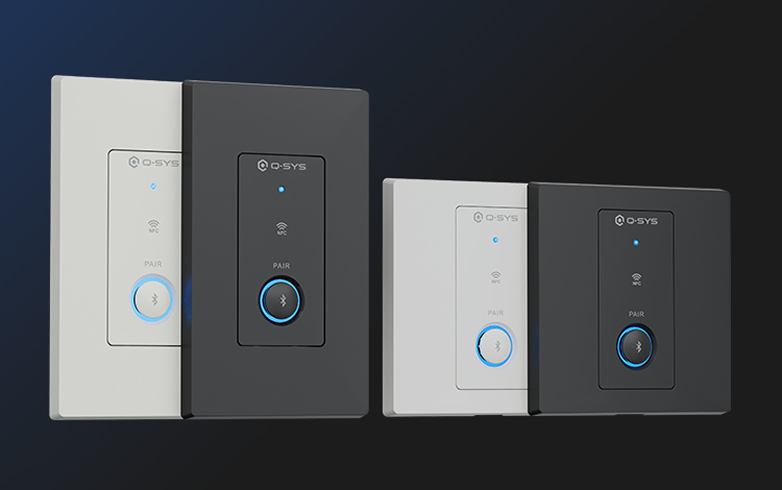
The QIO-WP-BT Bluetooth® Audio Wall Plate brings wireless audio integration into Q-SYS, enabling reliable Bluetooth® media streaming, broadcast audio via Auracast™, and call bridging within a native Q-SYS endpoint.
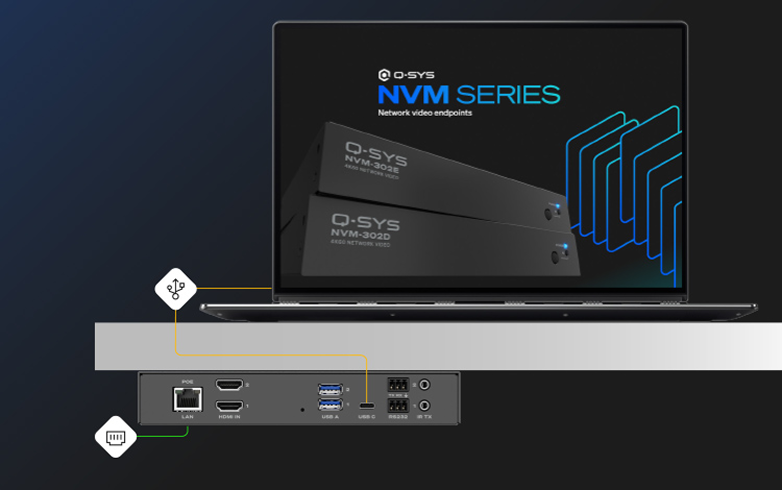
Both the NVM-302E and NVM-302D now support 1080p AV bridging, enabling collaboration applications where users need to bridge a room’s audio and camera feeds to their PC via USB-C.
Note: The NVM USB Video Bridge component works with the Mediacast Router component, which is not currently compatible in VisionSuite designs.
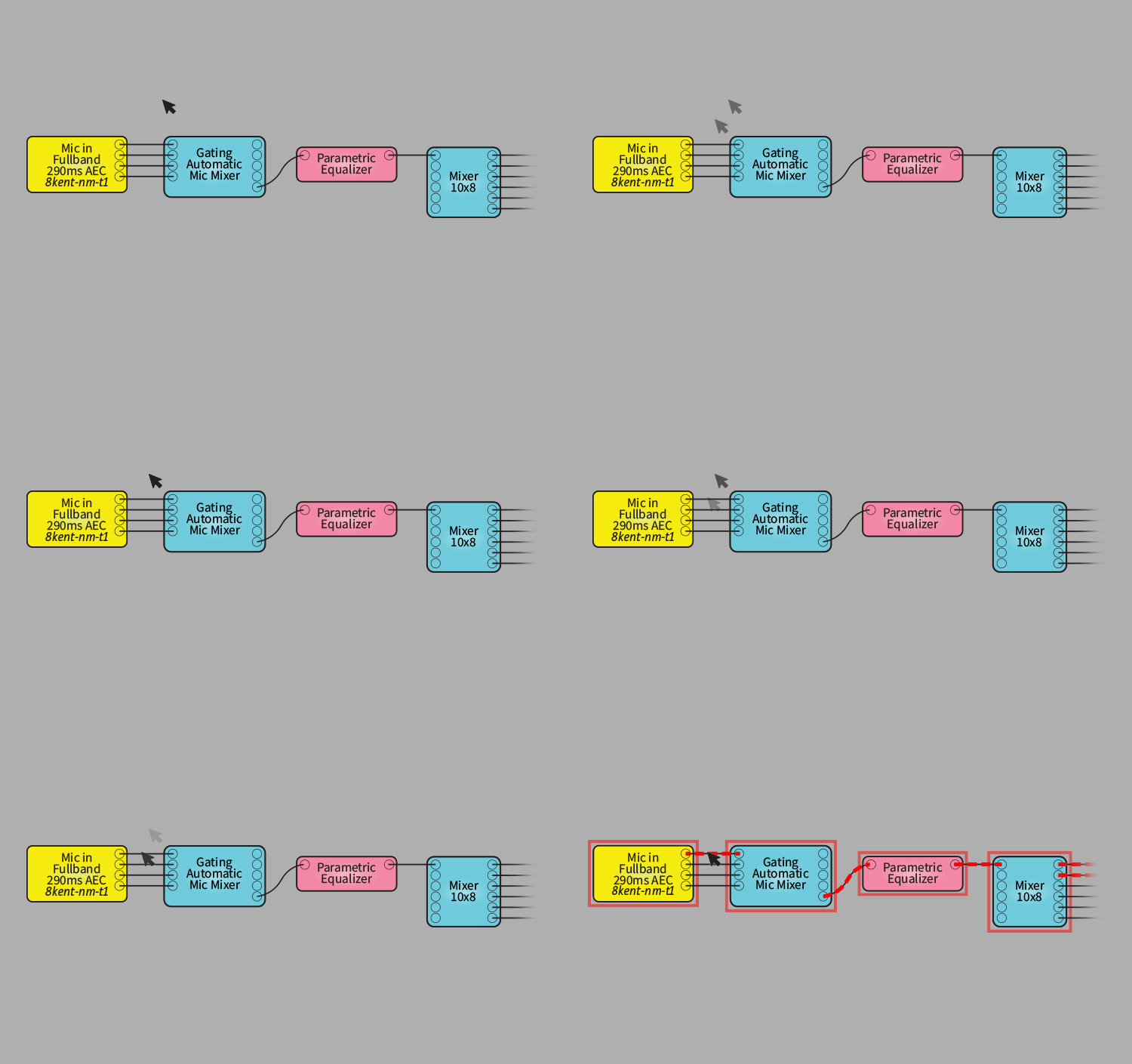
We give you a quick tour of the notable new features in each major release of Q-SYS Designer Software. To learn more about using Q-SYS Designer Software, visit Q-SYS Training.
Released October 27, 2026
UPGRADE NOTICE: For upgrade instructions from any Q-SYS Designer Software version, see the Upgrade Requirements topic in Q-SYS Help.
Released August 13, 2026
The long-term support version provides critical bug fixes and security updates, plus compatibility with minor revisions of supported hardware, while maintaining the feature-set of Q-SYS Designer Software v9.13. This version will be supported for 24 months from the date of release or until the promotion of a new release to LTS status.
Request a previous or End-of-Life (EOL) version of Q-SYS Designer Software for legacy systems.
Q-SYS has partnered with several AV&C technology manufacturers to provide a broad portfolio of prebuilt plugins. This makes integration of third-party devices into a Q-SYS system a simple drag-and-drop configuration.
View Q-SYS Technology Partners Plugins
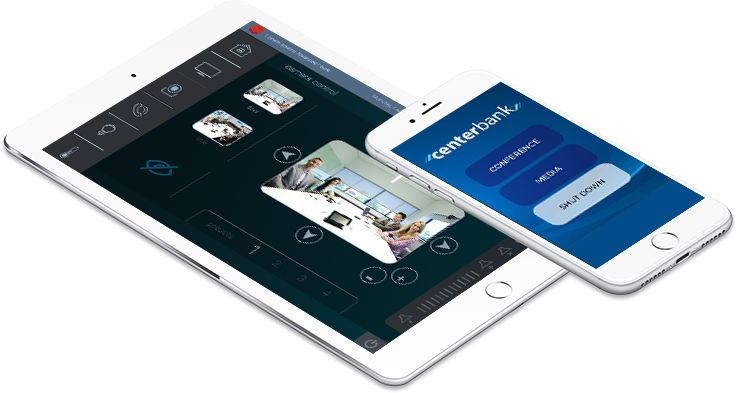
Design user control interfaces for your iOS device within Q-SYS Designer Software and use this free app to wirelessly control any element of your Q-SYS system from your iPhone or iPad.

The Q-SYS online help file is the most complete and latest help file for Q-SYS Designer Software and associated hardware and peripherals. You can access this help file from within Q-SYS Designer Software. The Q-SYS online help file is usually updated more frequently than the help file built into Q-SYS Designer Software.