Powerful DSP design software for building seamless Q-SYS systems
Build scalable Q-SYS systems with intuitive, clutter-free software designed for seamless integration.
Powerful DSP design software for building seamless Q-SYS systems
Build scalable Q-SYS systems with intuitive, clutter-free software designed for seamless integration.
El software Q-SYS Designer es el programa de diseño de DSP más potente y sencillo, del mercado actual. Este software permite al usuario crear diseños en el sistema nativo de la plataforma Q-SYS y también integrar el ecosistema Q-SYS. El entorno de diseño se ha creado específicamente para ser intuitivo y fácil de usar. Está diseñado de forma ordenada y carece de menús complicados de multinivel. Como resultado, el software permite a los integradores de sistemas centrar sus energías en construir el sistema de audio, evitando así tener que superar la curva de aprendizaje de un software complejo.
• Un software para sistemas de cualquier tamaño: El software Q-SYS Designer es una aplicación para uso en todas las categorías Core de Q-SYS para proyectos de cualquier tamaño.
• Modo emulación: Construya la mayor parte del sistema sin hardware.
• Compatible con periféricos de terceros: Q-SYS permite el control de dispositivos externos a través de la programación con LUA disponible.
• Interfaces gráficas de usuario: Diseñe botones a medida, importe imágenes, añada protección PIN en la UCI como medida de protección adicional y cree controles de usuario para controles de pantalla táctil.
Nota: Antes de actualizar, asegúrese de crear copias de seguridad de sus archivos de diseño de Q-SYS de la versión actual o de versiones anteriores. Haga también copias de seguridad de todos los archivos multimedia que tenga en el Core. Para evitar sobrescribir sus copias de seguridad, recuerde no abrir las copias de seguridad con la versión de software Q-SYS Designer recién instalada.
Updated Features v10.5.1
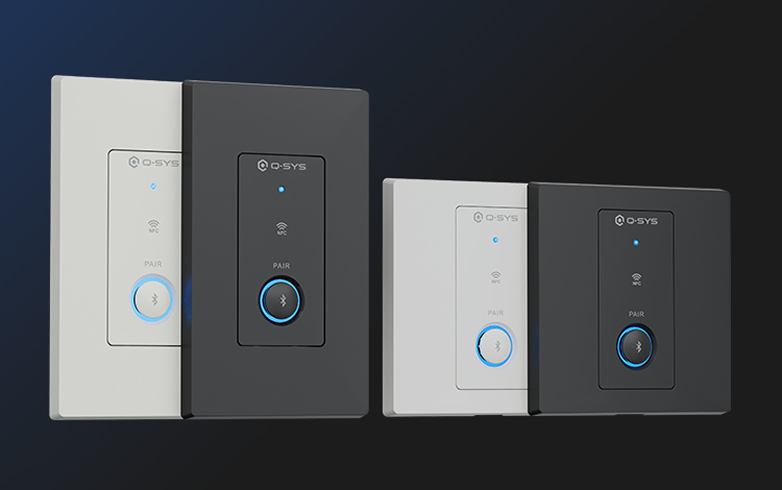
The QIO-WP-BT Bluetooth® Audio Wall Plate brings wireless audio integration into Q-SYS, enabling reliable Bluetooth® media streaming, broadcast audio via Auracast™, and call bridging within a native Q-SYS endpoint.
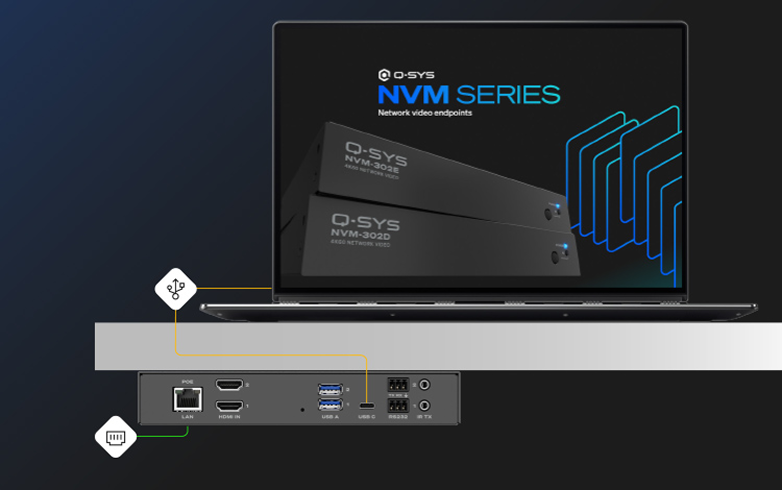
Both the NVM-302E and NVM-302D now support 1080p AV bridging, enabling collaboration applications where users need to bridge a room’s audio and camera feeds to their PC via USB-C.
Note: The NVM USB Video Bridge component works with the Mediacast Router component, which is not currently compatible in VisionSuite designs.
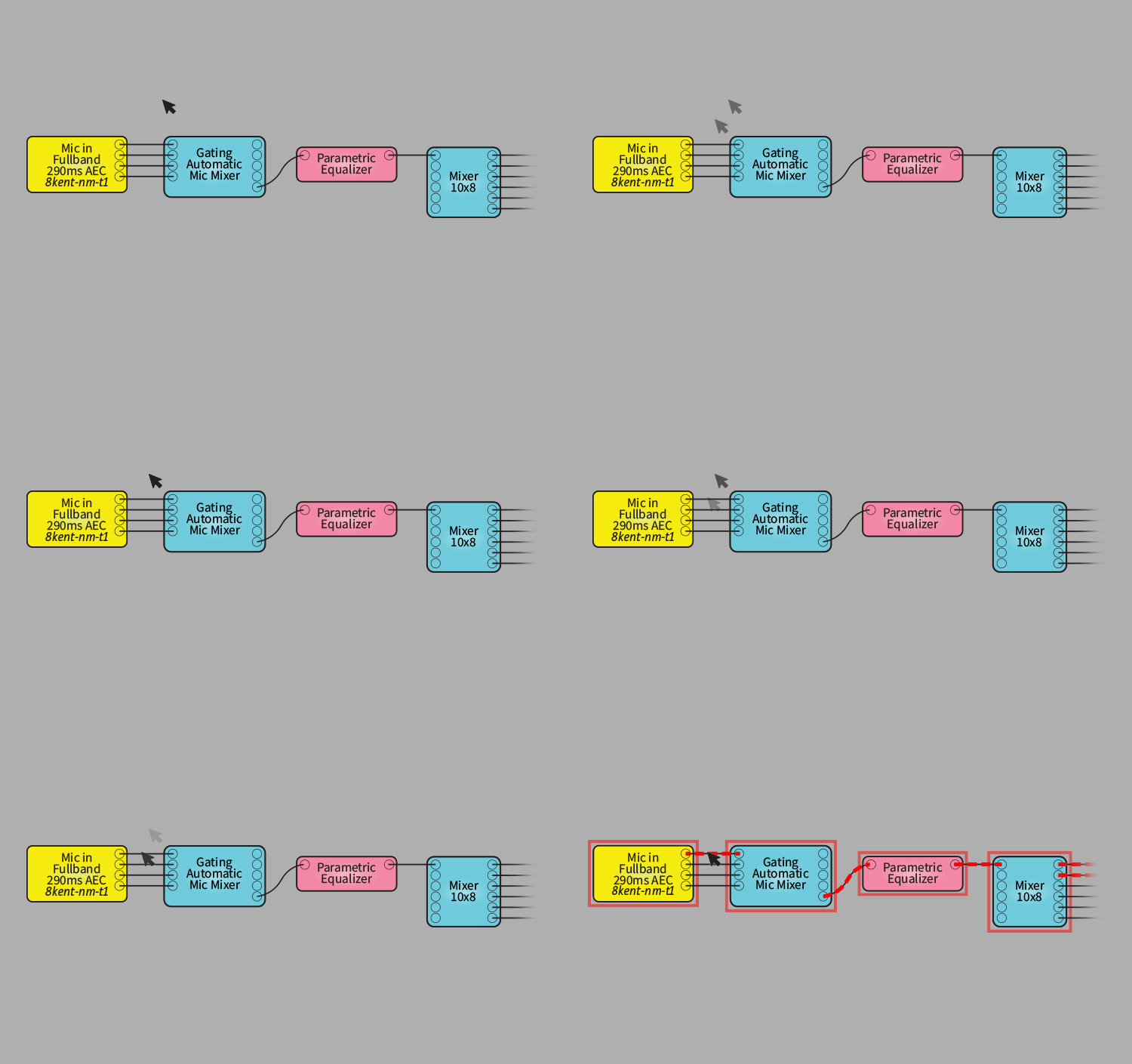
Released October 27, 2026
UPGRADE NOTICE:
Released August 13, 2026
The long-term support version provides critical bug fixes and security updates, plus compatibility with minor revisions of supported hardware, while maintaining the feature-set of Q-SYS Designer Software v9.13. This version will be supported for 24 months from the date of release or until the promotion of a new release to LTS status.
Request a previous or End-of-Life (EOL) version of Q-SYS Designer Software for legacy systems.
QSC se ha asociado con varios fabricantes de tecnología AV&C para ofrecer una amplia gama de plug-ins prediseñados. Esto hace que la integración de dispositivos de terceros en un sistema Q-SYS se pueda realizar simplemente mediante una sencilla configuración drag-and-drop.
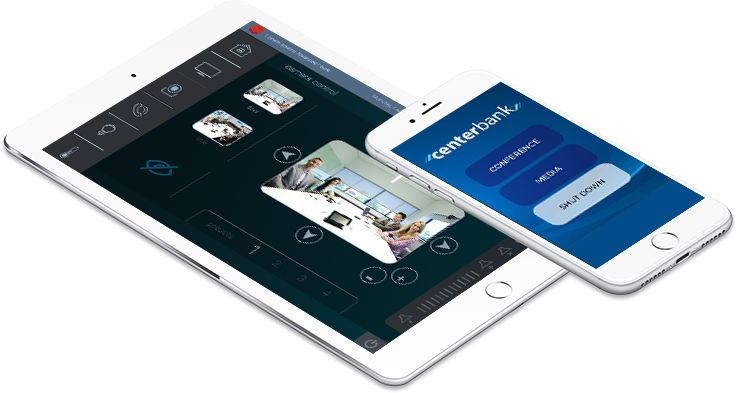
Diseñe interfaces gráficas de usuario para su dispositivo iOS en el software Q-SYS Designer y utilice esta aplicación gratuita para controlar de forma inalámbrica cualquier elemento de su sistema Q-SYS desde su iPhone o iPad.

El archivo de ayuda en línea de Q-SYS es el archivo de ayuda más completo y más actual para el Q-SYS Designer Software y el hardware, y los periféricos relacionados. Puede acceder a este archivo de ayuda dentro del software Q-SYS Designer. El archivo de ayuda online de Q-SYS se suele actualizar con más frecuencia que el archivo de ayuda que se encuentra en el software Q-SYS Designer.