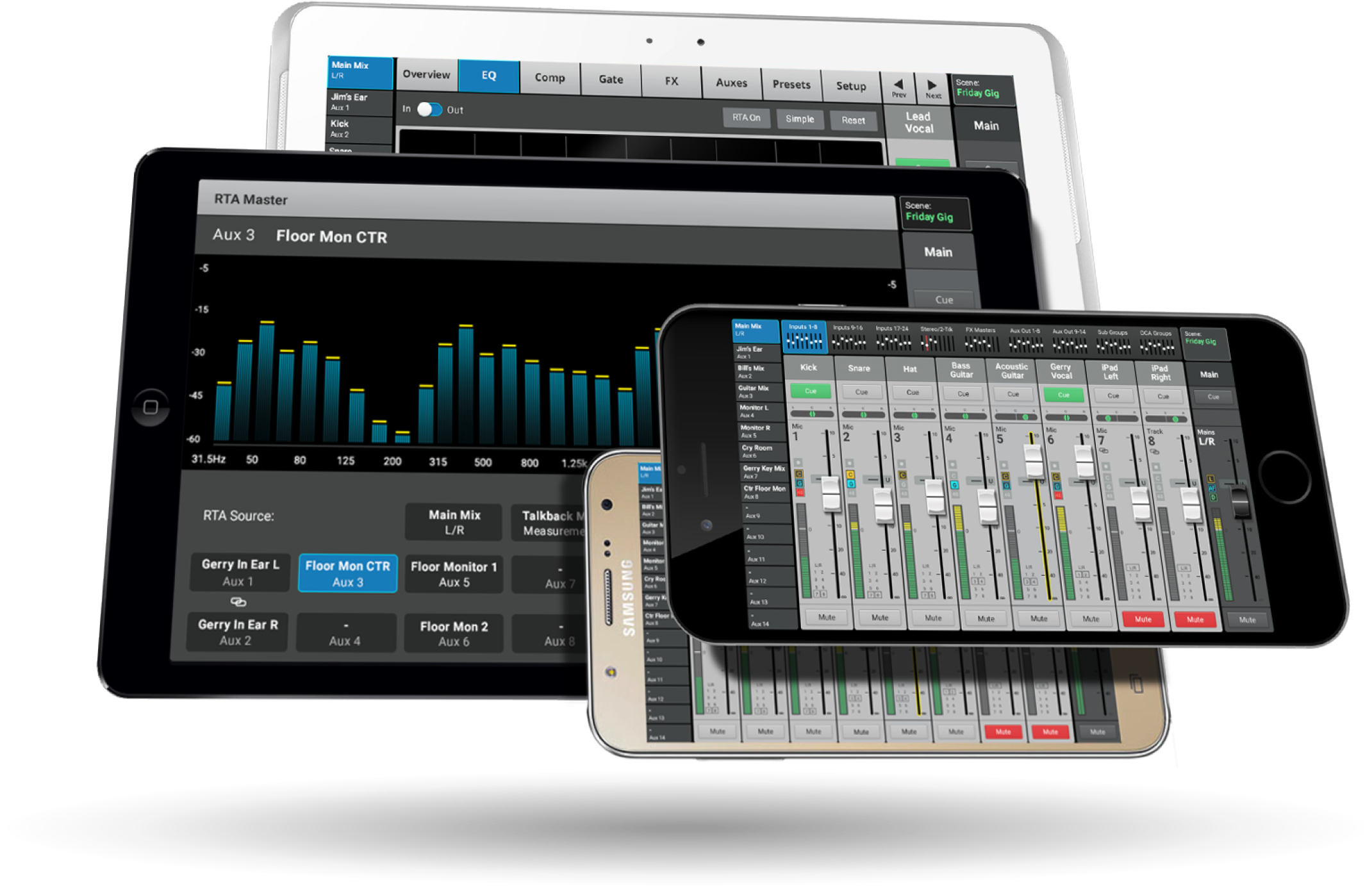
Control the TouchMix with iOS and Android tablets and smart phones utilizing TouchMIx Control Apps. Connect mulitple devices for easy access to additional mixer screens or as individual monitor controllers.
File type: image/png
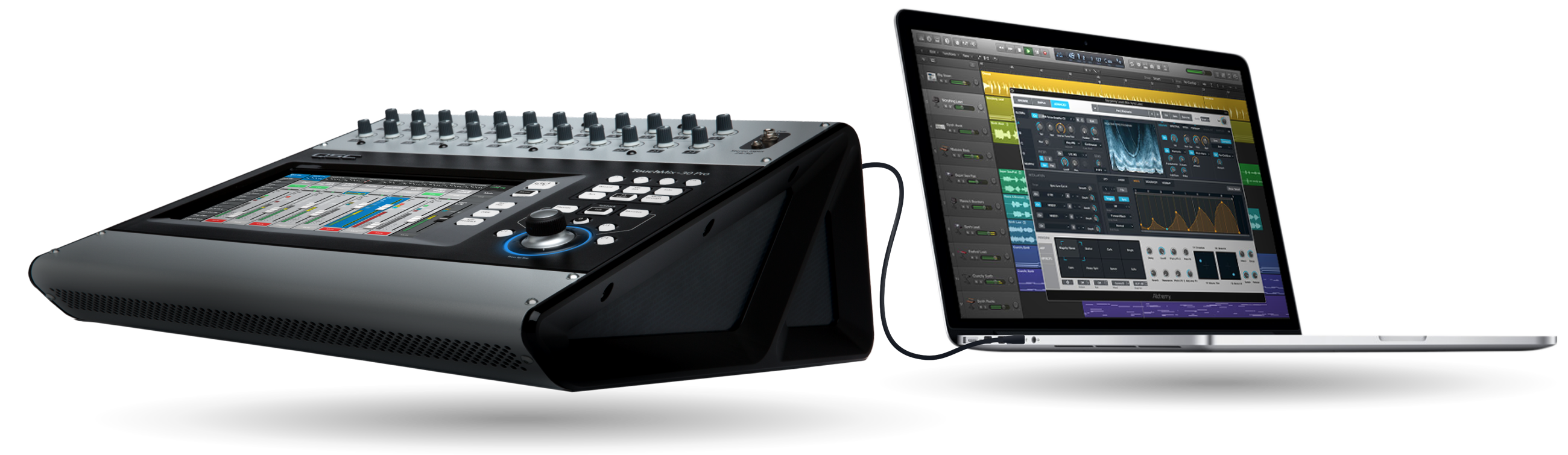
The TouchMix Digital Audio Workstation (DAW) Utility is a software application for TouchMix owners who also use DAW software. It enables and simplifies two-way migration of digital audio wave files between TouchMix and DAW software.
File type: image/png
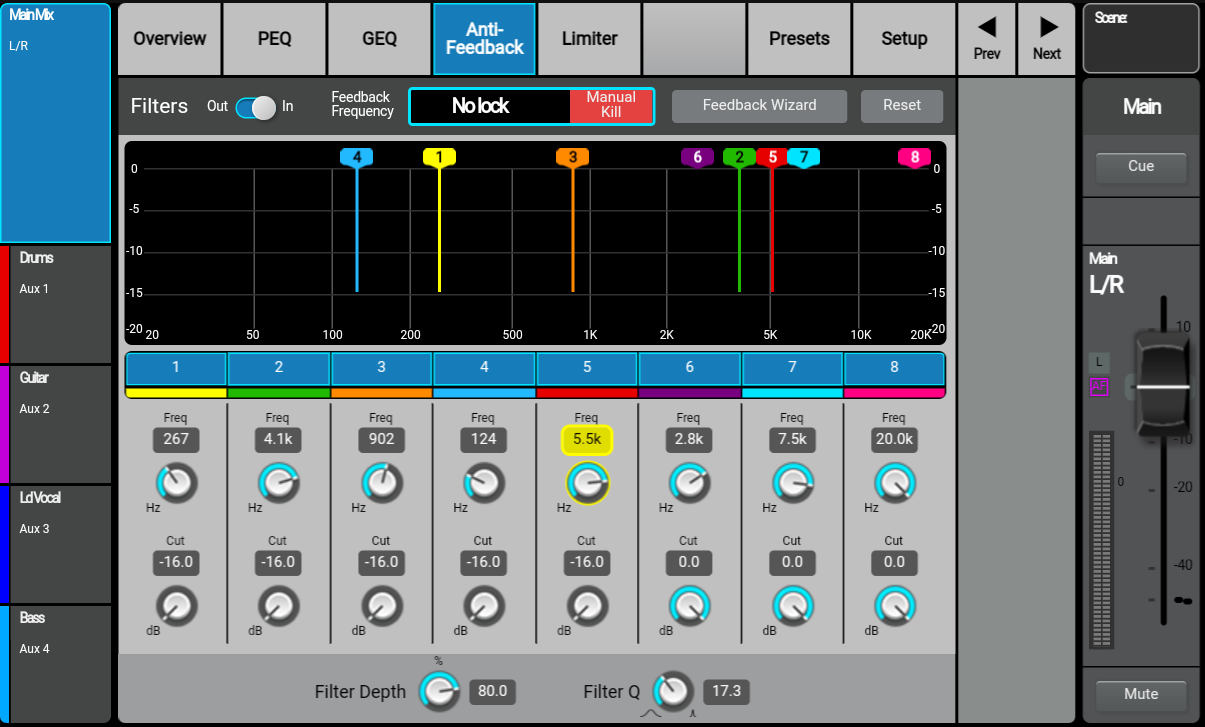
The Anti-Feedback Wizard for the TouchMix-30 Pro simplies complex equalization tasks.
File type: image/png
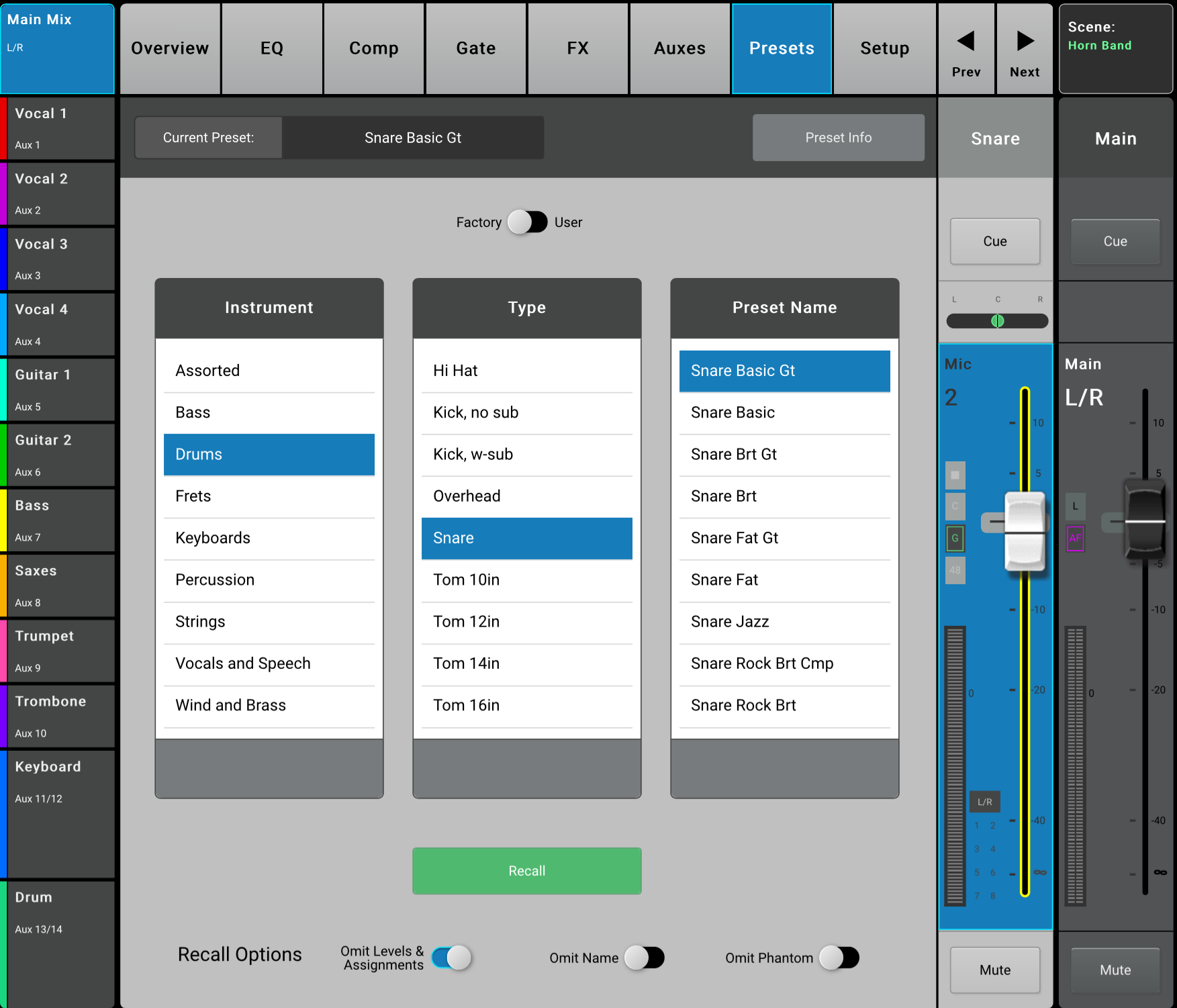
Over 120 live instrument, microphone and other audio source presets created in live environments provide mix-ready channel settings
File type: image/png
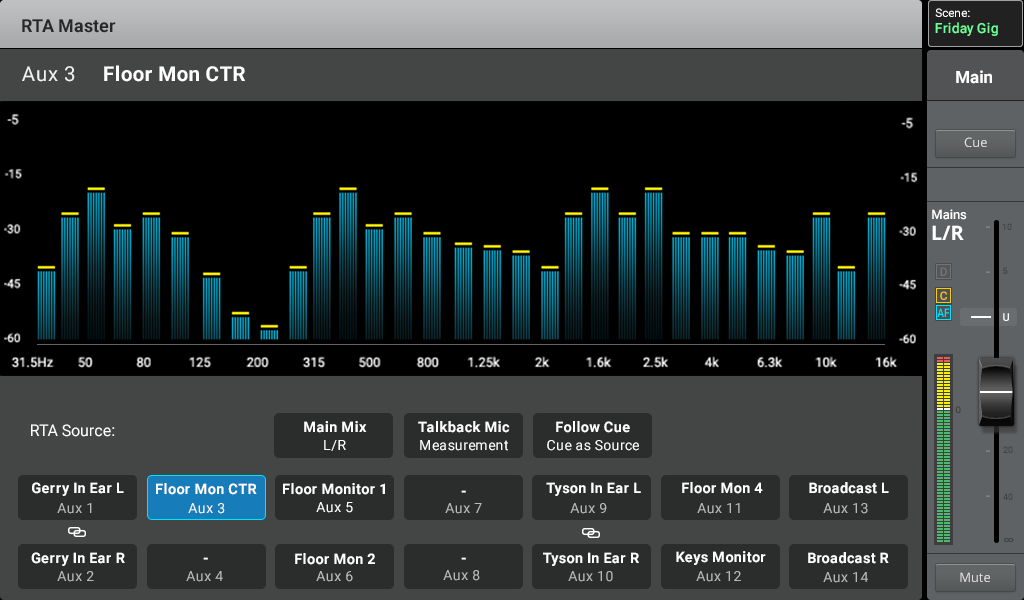
Two real-time analyzers (RTA) provide instantaneous display of channel tonal balance and room response.
File type: image/png
Quick Start Guide for the TouchMix-30 Pro Digital Mixer
File type: application/pdf
Spanish Quick Start Guide for the E series loudspeakers
File type: application/pdf
Anwendungsleitfaden für E Serie Lautsprecher.
File type: application/pdf
Produktinformation über E Serie Lautsprecher.
File type: application/pdf
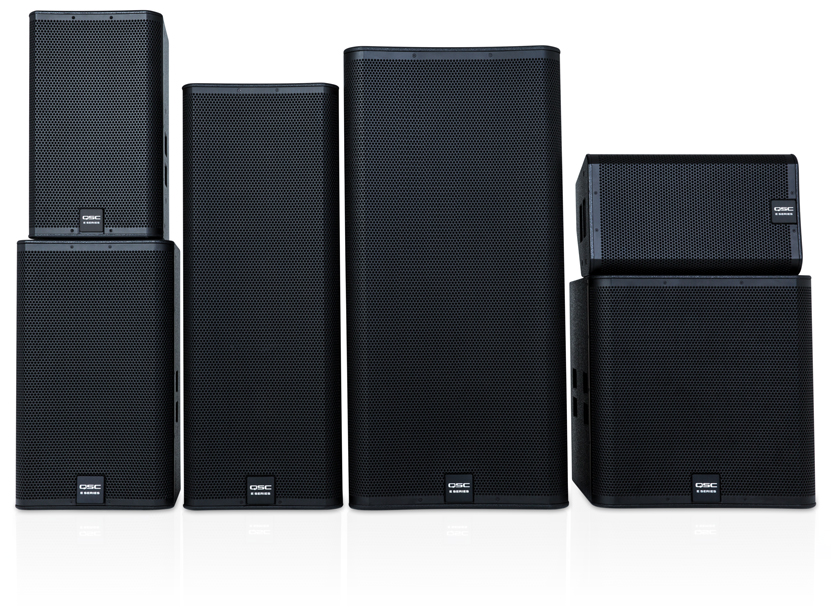
Hero image of the E Series family of loudspeakers.
File type: image/jpeg